Obby Builder Updates
What shipped since launch — and where to read the latest notes.
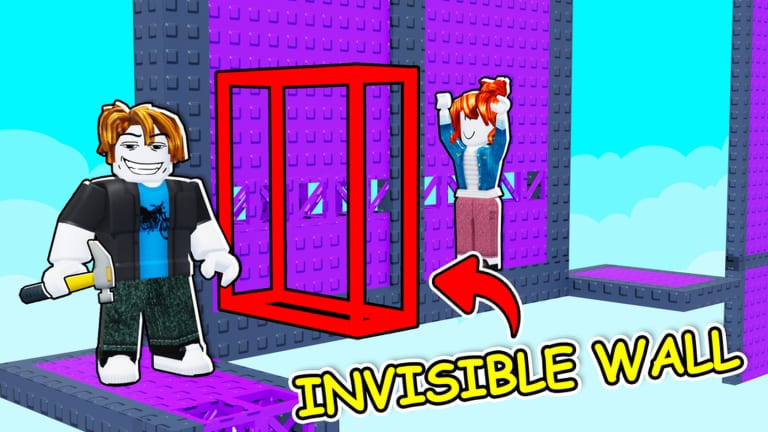
Obby Builder launched on Roblox on 7 July 2025 and was last updated on 5 September 2026. This hub tracks what that span shipped, without inventing dated patch IDs the studio has not published. The experience is a free sandbox from Obby Builder Studio: 10-player servers, R6 avatars, online co-op, slot codes, likes, and a cash loop that unlocks bigger builds. Notes here start from the live game page and from buttons still in the Slots and build UIs.
When you need the current bullet list, open latest update. When you need the discovery rail, open Highlighted Obbies. When you need official store and group links, open the links hub. This page is the timeline. It is not a version number.
From launch to the current live set
At launch the pitch was already a builder: place parts and traps, challenge the server, earn cash, save multiple slots, and share a code. Co-op landed as a first-class mode. Platforms include PC, mobile, tablet, and console, which is why later drops keep adding readable lighting and one-way movers. Restore Data in the Slots UI is part of that live set.
Through 2026 the public description added discovery and presentation. Slot codes stayed the share method. Custom thumbnails made a slot look like a product. Unlisted hid drafts. Advanced lighting and new parts raised the ceiling. Emotes gave runners something to do at the finish pad. Highlighted Obbies put curator-picked courses next to Trending.
What the game page lists now
The live latest-updates block names three headlines: Highlighted Obbies, more customization and new parts, and an Emotes menu. The rest of the description still documents slot codes, likes, leaderboards, Trending, co-op, music, buttons, signs, teleporters, checkpoints, Restore Data, and a group prompt. Treat that whole block as the current feature set, not as three isolated dated patches.
One-way moving platforms and advanced lighting are in that documented set even when they are not in the three-line headline. Place S-tier parts first, then try one new gadget. Re-read how to build after a drop that adds parts.
What to do after an update
Playtest old slots after any parts drop. Copy the slot code before you edit. Use Restore Data if a load fails. Recheck Unlisted so a draft you hid last month does not stay hidden after you meant to publish. Then look at Highlighted examples and steal checkpoint spacing, not themes. New emotes do not require a rebuild. New parts do. Spend Robux after you have seen the new parts. Discovery changes are free; builder changes are the ones that might justify a coil or a size pass.
Frequently Asked Questions
Quick answers to the most common Obby Builder questions.
When did Obby Builder release?
7 July 2025 on Roblox, last updated 5 September 2026. No fake patch IDs.
Where are the current patch notes?
On the latest update page, which follows the live Roblox description.
Do you list every weekly patch number?
No. We document the live feature set and the last updated date, not invented patch IDs.
What should I test after an update?
Load your slot, check checkpoints against new movers and lighting, copy the code, and use Restore Data if the plot fails to load.
Where do I confirm a feature is real?
The Roblox place page, in-game UI, and the links hub.