Restore Obby Builder Data
Slots UI restore, slot-code backups, and co-op overwrite recovery.
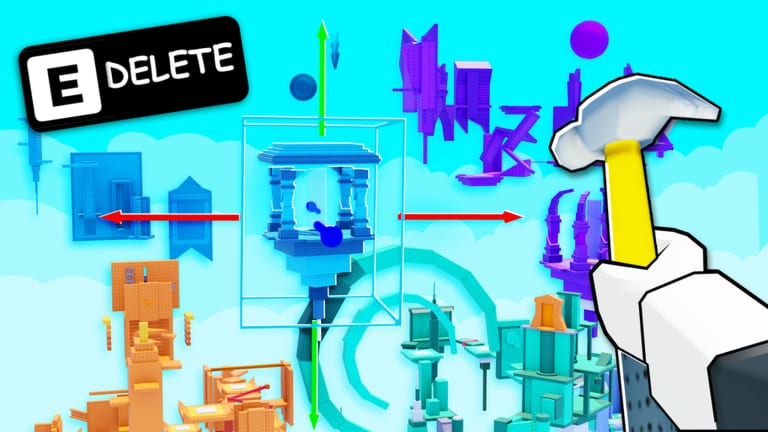
The official Obby Builder description says to use Restore Data in the Slots UI when you need a backup. That is the first recovery step, not a rebuild from memory. This page explains when to use Restore Data, how a written slot code backup sits beside it, how Unlisted drafts limit who can load a broken plot, and what to do if a co-op partner overwrites your slot. It does not promise a 100 percent restore. This wiki cannot replay a version the game no longer has.
You can save multiple obbies. Each save can have a slot code, a custom thumbnail, and an Unlisted flag. Servers hold ten players. Co-op is online, so two builders can edit the same plot until both save at once. Treat Restore Data, a written code, and a co-op save rule as one backup plan.
Official Restore Data in the Slots UI
Open Obby Builder, open the Slots UI, and look for Restore Data. The studio put that control on the same screen as your slots. Use it when a plot is missing, a save did not apply, the layout looks older than your last edit, or the slot loaded empty after a crash. Do not keep placing parts on a broken slot while you wait; extra edits can write over the version you hoped to restore.
We do not invent extra button names beyond what the game description states. If the label is Restore Data and it sits in Slots, that is the control. After you use it, walk the plot: spawn, first checkpoint, traps, one-way movers, signs, music, and thumbnail. If the restored version is still wrong, stop and load a written slot code with the steps on how to redeem.
When to restore versus reload a slot code
Restore Data is for the copy the game still has. A slot code is for the copy you chose to keep. Use Restore Data first when you did not copy a code after the last good save. Use the code first when you already have a known-good string and the live slot looks wrong. If both exist, try Restore Data, then load the code if the plot is still incomplete.
Keep one written code per slot you care about. The game supports multiple obbies; one code is not a backup of every plot. Paste tests belong on slot codes and how to redeem. Slot codes are not cash promo codes. As of this writing we have not found official item redeem codes. Do not treat Restore Data as a codes box.
Written slot-code backups and Unlisted drafts
Write the code outside Roblox: notes app, message to yourself, or a friend you trust. Copy it after the first checkpoint, after every major save, and again before you go public. If you cannot paste the code later, Restore Data is your only remaining option, and it may not hold the latest version.
Leave Unlisted on while a plot is a draft. Unlisted keeps obbies private from loading and featured lists, which is the setting the studio added for this job. A broken public plot can still be loaded by slot code, liked, or skipped. Testers can still paste your code while Unlisted is on. Turn Unlisted off only after a playtest pass; the build checklist is the fairness list to run before that switch.
Custom thumbnails do not replace a backup. A thumbnail can look current while the slot itself is empty. After a restore, confirm the thumbnail still matches the course so people are not loading the wrong plot from slot codes.
Co-op overwrite recovery
Online co-op lets friends build on the same plot. Agree who may save, who copies the slot code, and who may toggle Unlisted before you start. Roles are on the co-op guide. If a partner overwrites your work, stop editing. Open Slots, use Restore Data, then try the last written code.
Keep Unlisted on until the restore is confirmed. A playtest invite is not a co-op edit session; they should run the course, not save over it. After a successful restore, copy a fresh slot code immediately and send it to your partner. If restore and the old code both fail, rebuild with how to build and the build checklist instead of guessing from a thumbnail.
What Restore Data cannot promise
Restore Data cannot promise a 100 percent recovery. It cannot invent a save the game never stored, undo a slot you emptied if no older copy remains, or recover a plot the server never wrote. This wiki does not host save files.
What you control is the written slot code, the Unlisted flag, and the co-op save rule. If Restore Data helps, walk the course, copy a new code, then invite the server. If it does not, load the backup with how to redeem and treat the live slot as untrusted until the layout matches. Checklists live on the tools hub. First-hour setup lives on Getting Started. Recovery is a process, not a guarantee.
Frequently Asked Questions
Quick answers to the most common Obby Builder questions.
Where is Restore Data?
In the Slots UI. The official game description tells you to use Restore Data there when you need a backup. Open Slots before you rebuild from memory.
Does Restore Data always bring the plot back?
No. This wiki does not promise a 100 percent restore. If Restore Data is incomplete, load a written slot code with how to redeem.
How do I back up a slot code?
Open Slots, copy the code, and store it outside Roblox. Keep one code per plot. Slot codes explain load, Unlisted, and thumbnails.
What if a co-op partner overwrote my slot?
Stop placing parts. Use Restore Data, then try the last written code. Agree save rules up front using the co-op guide so this is less likely next time.
Should drafts stay Unlisted?
Yes. Unlisted keeps a plot private from loading and featured lists. Share the slot code with testers, then turn Unlisted off after the build checklist.
Is Restore Data the same as a promo code?
No. Restore Data recovers slot data. Slot codes load plots. This wiki does not list invented cash promo codes. Redemption steps for slot codes are on how to redeem.